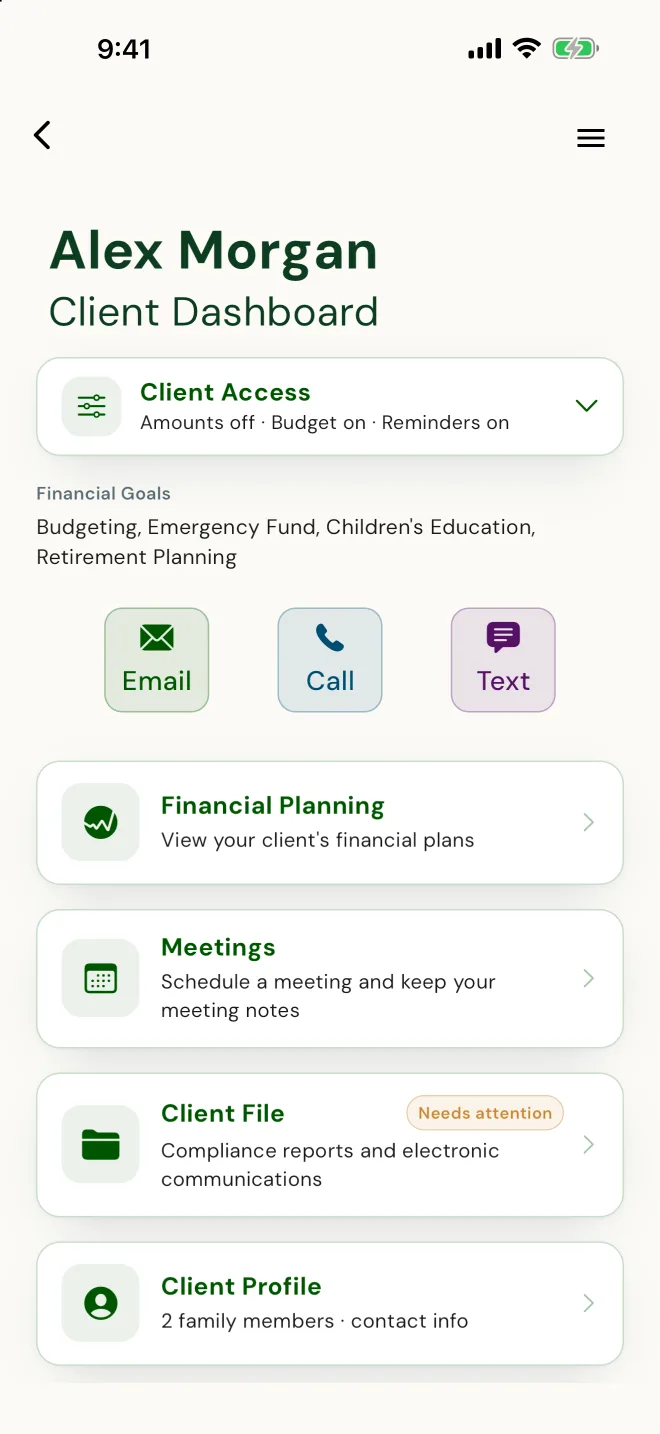
Your side of PlanTogether, in plain terms.
When should I start collecting a new client's information?
After you've both decided to work together. The first meeting is for getting to know each other. Once you've both said yes, invite them, and they fill in their own information on their phone, with you across the desk, or at home.
Read more
Someone who hasn't decided to work with you won't share personal details, and shouldn't have to. After the yes, they will. What they enter starts the plan you build, so there's nothing to retype when you get back to the office.
How do I invite a client?
Once you've both said yes, invite them from your dashboard: first name, last name and email. The client downloads PlanTogether on iOS or Android, accepts, and they're connected to you. Then they fill in their own information, and the plan you build starts from it. Nothing to retype.
Read more
They fill in their own profile, with you or at home, at their own pace: who's in their household, who depends on them, how to reach them, and their goals. If you turn on their budget, their income, spending and debts come in through it too.
For Canadian life-licensed advisors, the client file comes together the same way. The Fact Find is built from what your client entered, and they confirm it on their phone. Your advisor disclosure is built from your profile. Your client signs it and their privacy consent on their own phone with you there, in person or on video, or from an emailed link, or you record a signed paper copy. Each one is kept in their client file. E-signature for the client-file forms comes with Starter and up, and you can try it on your first clients on SetUp. Life-sale e-signature is on the Compliance plan.
The invitation is personal, one client at a time. After that, the day-to-day belongs to the client: it's their app and their numbers. Your side is watching the plan you built fill in with their figures.